

Funeral service slideshow
Create a respectful photo slideshow to play before, during, or after the service.
Upload photos, choose music, and preview a beautiful celebration of life slideshow in minutes.
FuneralFolio turns photos into a polished tribute video without design software, editing timelines, or an account setup step. Add the images you already have, choose a music style, and preview the result before download.
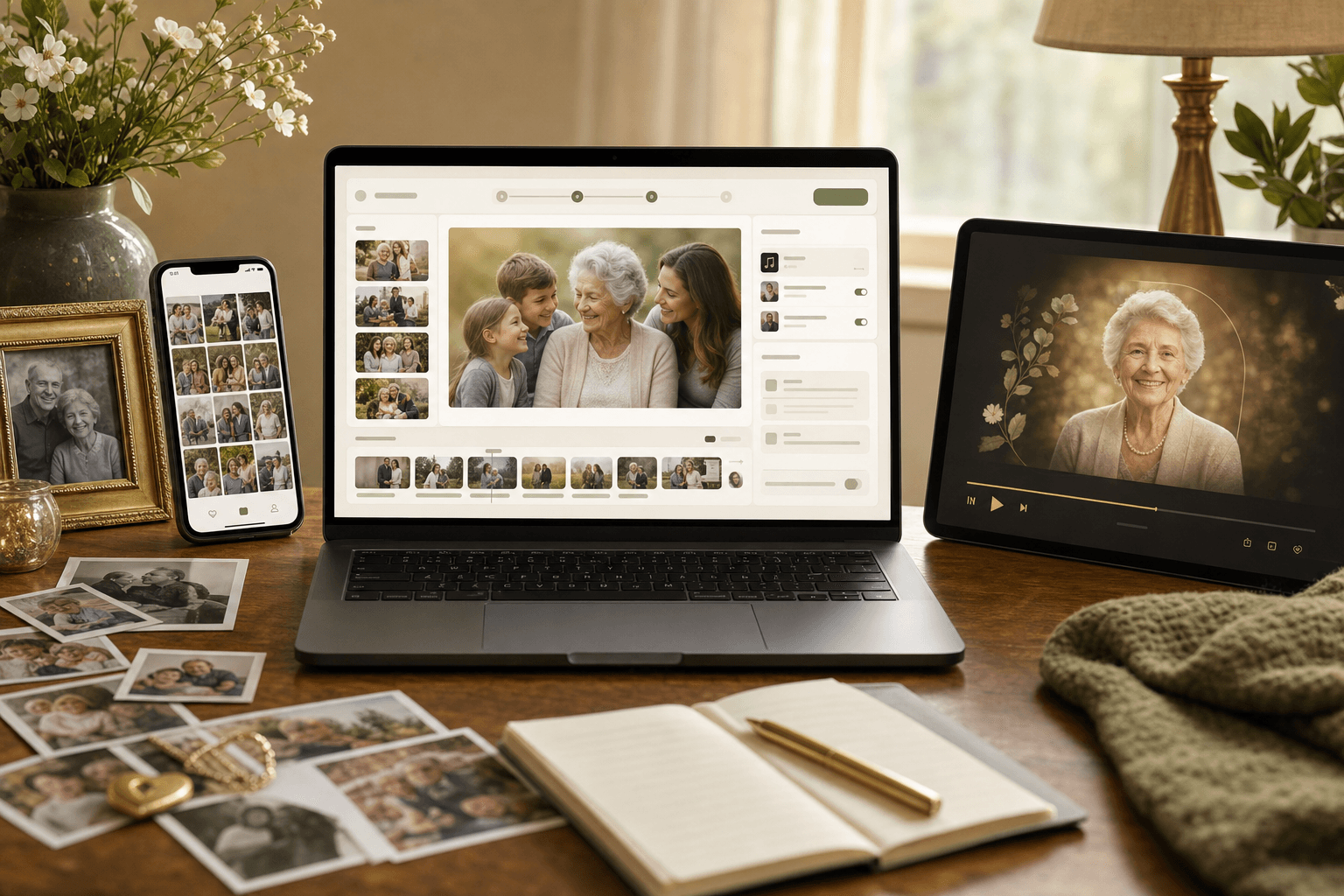
Collect photos from family phones, albums and old prints, and scan or photograph the prints. You can add up to 150 photos and short video clips, including iPhone HEIC photos.
Most families go from childhood to the most recent years, or group the photos by chapters of life: family, work, travel, grandchildren. Drag the photos into the order you want.
Pick up to two tracks from the free music library or upload a song of your own. If the photos run longer than the music, the music repeats so every photo keeps its timing.
Open with their name, dates and portrait on a memorial design, watch the full preview, and download the MP4 when it looks right.
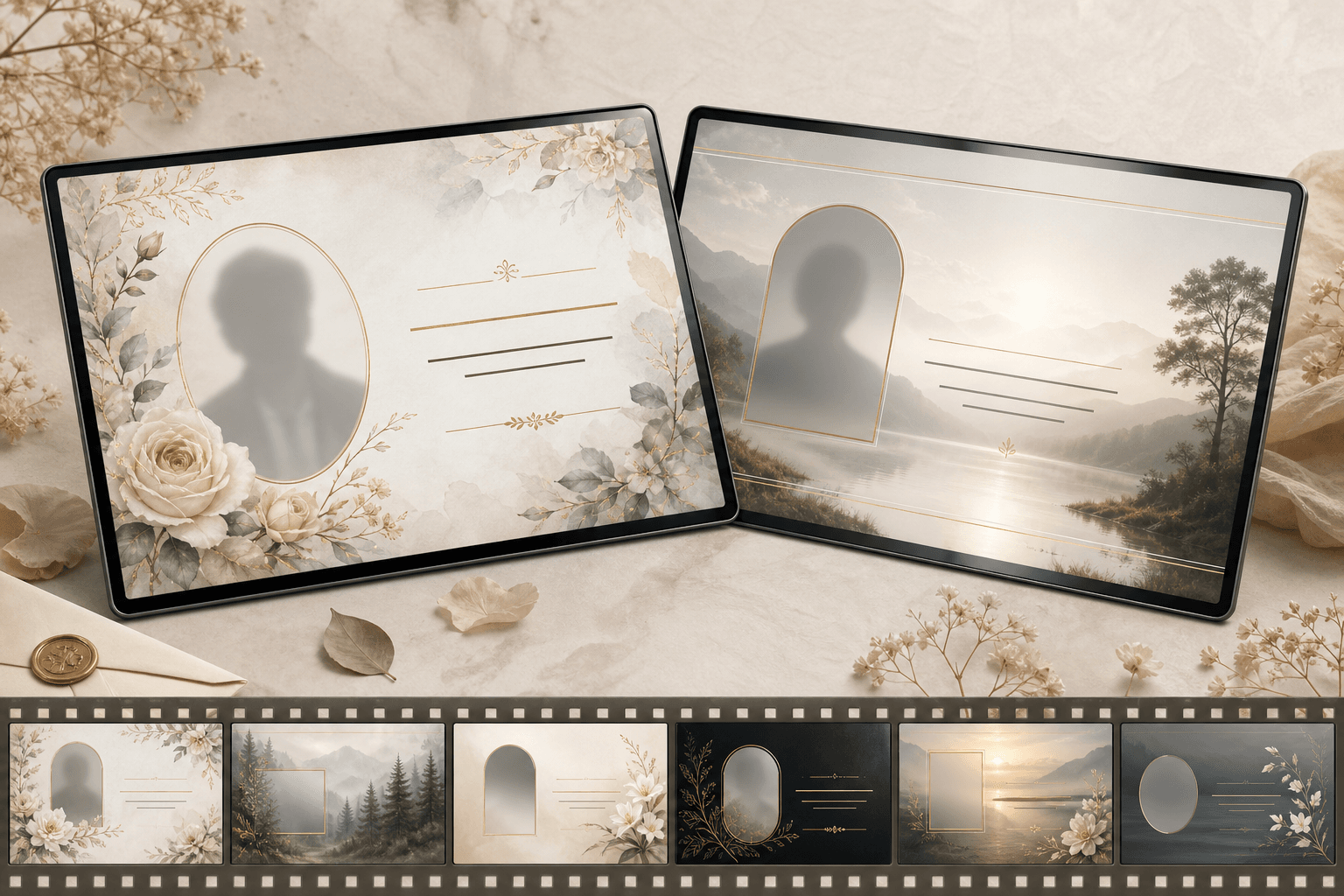
Memorial themes
Your funeral tribute video can open with a title frame inspired by FuneralFolio memorial products: name, dates, portrait, and a soft visual style that matches the tone of the service.
Create a respectful photo slideshow to play before, during, or after the service.
Combine joyful memories, family photos and music for a gathering or reception.
Make a downloadable video family and friends can keep, share, and revisit later.
Build the slideshow, review the result, and choose your final download when it is ready. No subscriptions or accounts required.
Add matching memorial materials when you need them, using the same details and photos you already gathered.
Create a coordinated printed program with photos, obituary text, and order of service.
Publish an obituary page that family and friends can visit and share.
Use gentle prompts and examples when you need help finding the right words.
Improve clarity, lighting, and quality for a portrait used in memorial materials.
Yes. You can upload photos, choose music, arrange your slideshow, and preview the memorial video for free. A one-time payment is only required when you want to download the finished video.
You can build and preview the video first. Payment is only required when you are ready to download the finished memorial video, with no subscription required.
No account is required to start. You can begin by uploading photos from your phone or computer and build a preview in the browser.
Yes. FuneralFolio supports mobile photos, scanned family photos, and professional portraits. Portrait photos are automatically presented in a video-friendly frame with a soft background treatment.
Yes. The memorial video maker includes free-to-use music in different styles, and you can upload your own tracks too. Choose up to two tracks and they play one after the other. If your slideshow runs longer than the music, the music repeats until the last photo, so your photos always keep the timing you set.